 Deskslap
For brands
Your product, one click away.
Give your team and your customers a sticker for their Mac desktop. It links to your product, and you see every click.
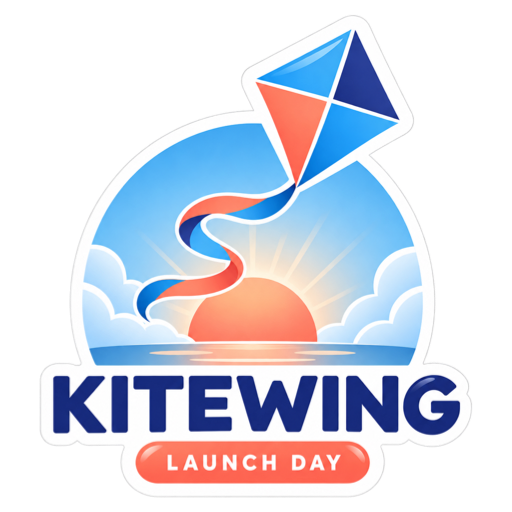
Example: Kitewing is made up.Go on, peel it.
How it works
Logo in. Link out.
-
1Make it.
Your logo exactly as it is, or styled as a sticker. $2.
-
2Link it.
To your product, your docs or your signup page.
-
3Hand it out.
A link anywhere, or the QR code on a screen.
Put it in the launch email, the team chat or the changelog.
Launch day
Number one goes to your first fan.
Give a launch edition only on the day. The page counts the copies as they go.
Kitewing is live
Someone sent you a sticker.
Yours will be No. 384 of 2,000.
Add to My Desktop
Weeks after launch.
Still on their wallpaper, under their windows. Your product is one click away, every working day.
Paperless. No paper, no plastic, nothing to ship or throw away. Just a keepsake of your brand, on their desk every day.
Hover the sticker, or pick it up.Tap the sticker, or hold it to pick it up.
Team and customers
Inside the company, and out.
Your team first.
One link in the team chat, and every Mac in the company wears the logo.
A QR at your booth.
Put the code on the stand’s screen. Visitors scan it and leave with your sticker.
Stats.
Clicks per day, claims per share link. Stats are in the Mac app’s right-click menu, or under Your stickers on /create.
Running an event? Stickers for Events ›
Questions.
Can it be our exact logo?
Yes. Upload it and keep it exactly as it is, or have it styled as a sticker.
How do we hand it out?
Share it free with a link: to your team, to your customers, or only on launch day.
What will we see?
Stats for each sticker: clicks per day on its link, and claims per share link.
Can we change the link after launch?
Yes. Every copy already on a desktop follows the new link.
What does it cost?
$2 for each sticker you make, three tries included (EU prices include VAT; elsewhere tax is added where it applies). Giving it away is free.